


AI Text to Speech Generator
Convert text into lifelike speech instantly with FlexClip. Select from male and female, young and old voices, and a variety of tones to match your content.
Includes 3700+ voices across 80 languages
Find the Perfect AI Voice for Any Project


Gacrux


Aiden


Dave


Cimpelling


Aashi

Luke

Monika

Ana


Ethan


Bruce

Maria

Cyborg
High-Quality Audio Output
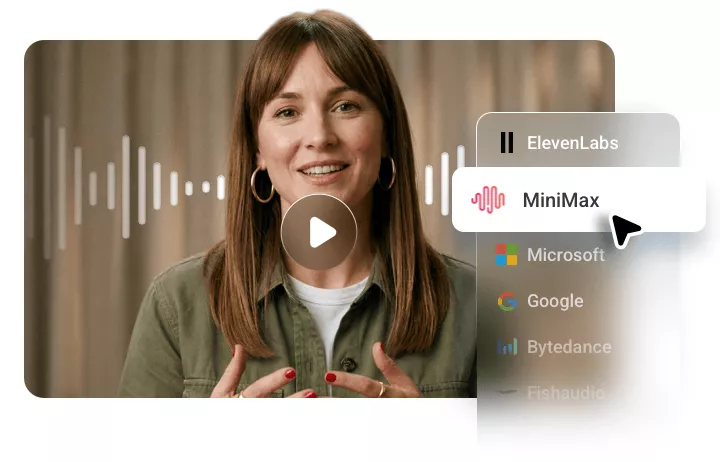
Farewell to robotic sounds. FlexClip combines multiple advanced AI voice models from Google, Microsoft, ElevenLabs, and Minimax. Every one of them is optimized for realism, emotional tone, and linguistic accuracy. As a result, the speech output flows more like a real human voice instead of being flat or mechanical.
Variety of Voices & Customization Controls
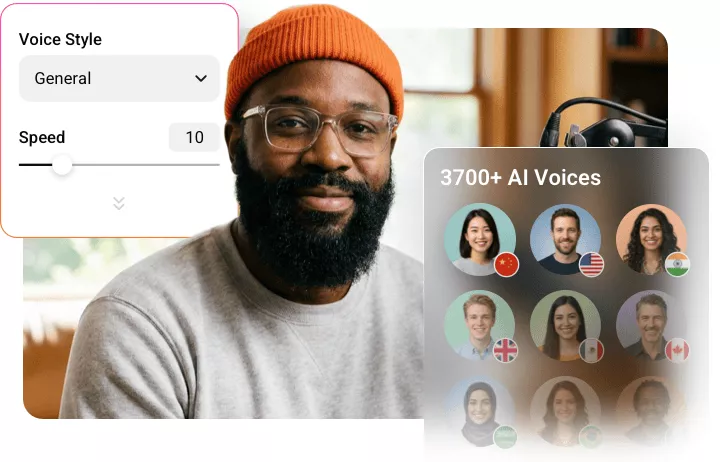
In total, FlexClip supports 80 languages and offers 3700+ voices. You can easily find the right language, voice, tone, and accent to create content that goes global. You also have access to customization options such as pitch, speed. Refine delivery without degrading audio quality.
Build Your Own Voice Model
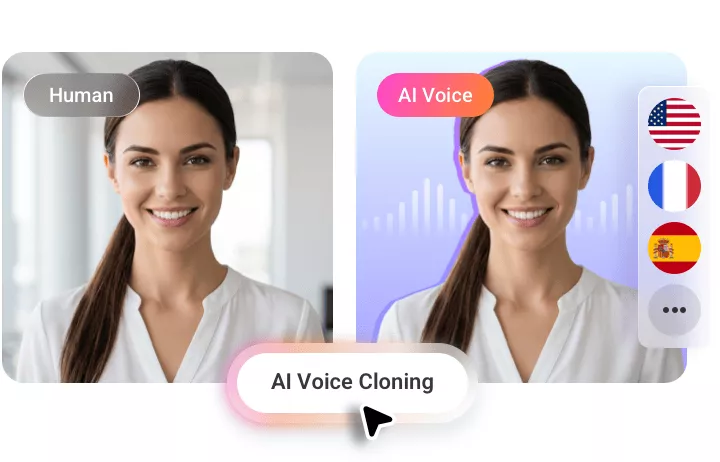
Feel like being unique rather than using a voice in the library? FlexClip gets you covered! You can build your own voice model that captures the true audio identity. This feature is particularly useful for branding, content creators, or businesses where consistency and authenticity are needed.
Integration with Your Workflow
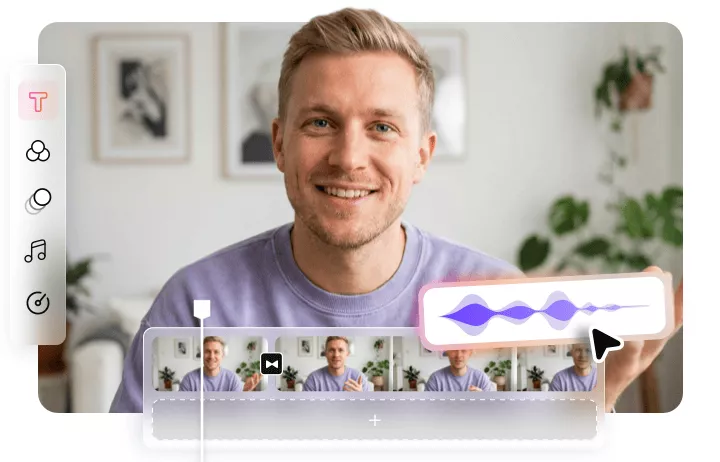
FlexClip seamlessly integrates the generated AI voice into your existing workflow. You can quickly bring it to the timeline, sync with video, or make basic edits like trimming, splitting, adjusting volume. In a word, FlexClip is a one-stop solution that helps you move from script to finished project.

AI Text-to-Speech Converter for Every Use Case
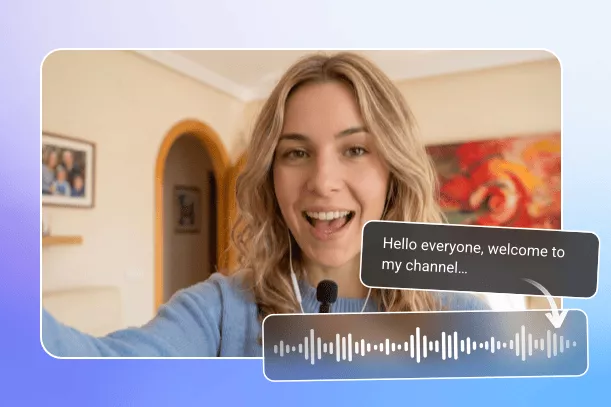
Generate AI Voice for YouTube Videos
For YouTubers and content creators of all kinds, it is troublesome to record voiceovers every time. AI quickly generates narration. This is especially useful for faceless channels or rapid content production.
Why Choose FlexClip to Convert Text to Audio?

Realistic Audio Quality
FlexClip’s Text to Speech is good for professional media production. It offers natural speech in diverse accents, emotional expression that meet a wide range of creative and business needs.

Fast Generation
Whether creating audio files for videos, presentations, podcasts, you can generate professional audio efficiently, saving time while streamlining the entire content production workflow.

Information Security
FlexClip prioritizes user privacy. It adopts secure data handling practices and protecting uploaded content throughout the generation process. Feel safe generating confidential content using FlexClip.
How to Convert Text to Lifelike Speech Using FlexClip
Enter Text
Access FlexClip’s editor, switch to the AI Text to Speech tool, then paste your text.
Choose/Generate a Voice Model
By default, you are at a multilingual voice model. Click on it, set up the language, then pick a voice you like. Alternatively, you can create a voice model by uploading an audio file. Hit Generate.
Export & Download
Export the AI voice to a local folder in MP3 format. You are also able to use it directly on your video project.
Frequently Asked Questions
Can TTS sound like a real human voice?
Yes, advanced AI tools like FlexClip can produce highly realistic, human-like voices with natural pacing, emotion, and intonation. You will barely notice any robotic sound.
Is TTS suitable for professional projects?
Yes, FlexClip always generates high-quality TTS, which can be widely used in marketing, training, media production, enterprises due to its clarity and scalability.
Do I need technical skills to use TTS?
No, FlexClip is designed with user-friendly interfaces, allowing beginners to generate voiceovers quickly without technical expertise.
Why do you need to add narration to your video?
Adding narration to a video can improve comprehension and increase engagement. Narration can guide the viewer through the video's key points and help them better understand the content of your video. This can make your video more accessible and engaging for a wider audience.
How do I put text-to-speech on a video?
Head to FlexClip video editor and convert your text to speech. The speech will be saved to Media. Then add the voice to your video creation and make some adjustments to match the visuals.
How to make text-to-speech videos for YouTube?
To create a text-to-speech video for YouTube, start by writing a script and converting the script to speech using FlexClip TTS video editor. Add photos and clips to accompany the AI-generated voiceover. Edit the video if desired. Finally, export the finished video and directly share it on YouTube.